
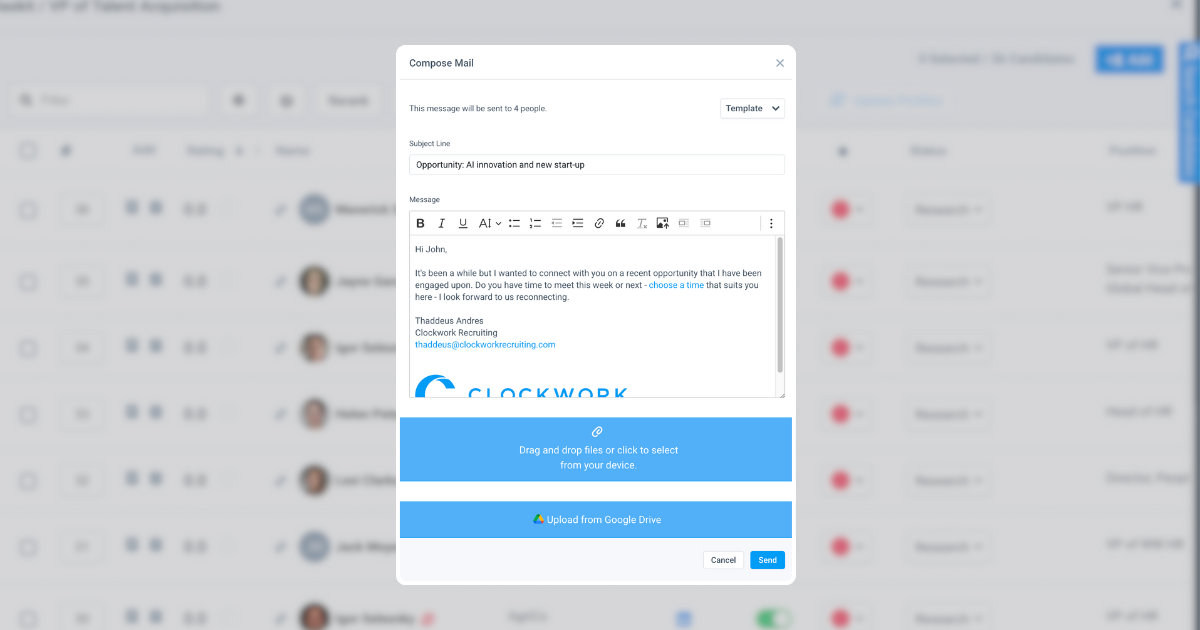
Module 1: Email
In this course we will cover:
- Microsoft and Google Email Integration Set-Up
- Sending & Capturing Emails for People
- Email Templates
- Email Signatures
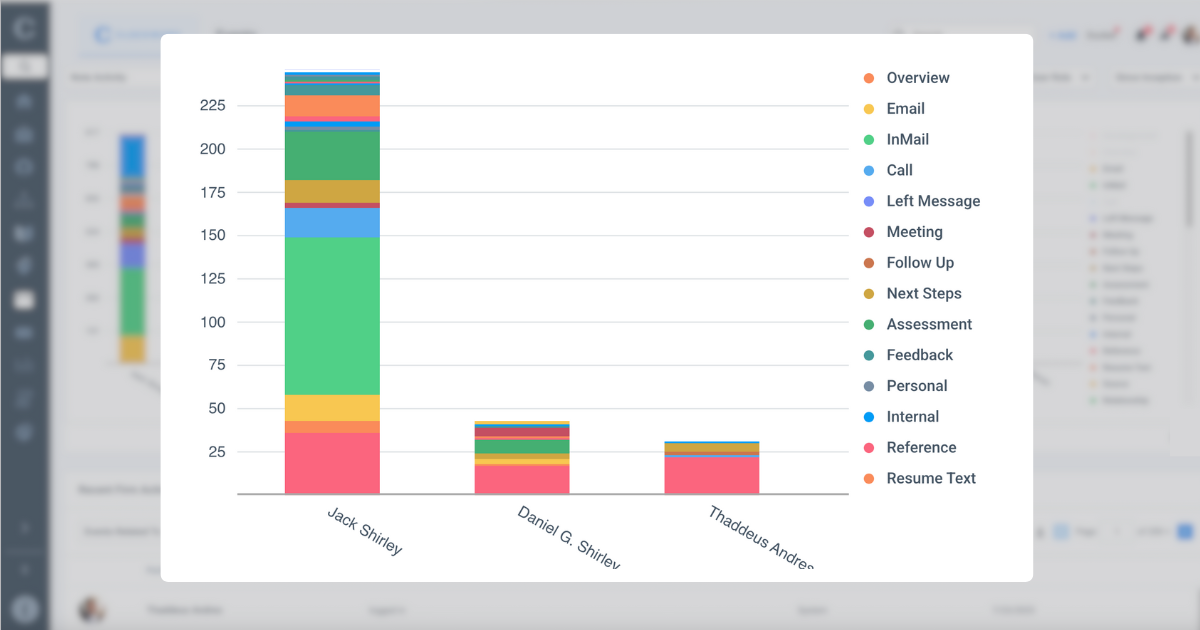
Module 2: Events & Activities Reporting
In this course we will cover:
- Event and Activity Logs
- Notes Reporting
- Team Activity Reporting
- Project-Specific Event Tracking
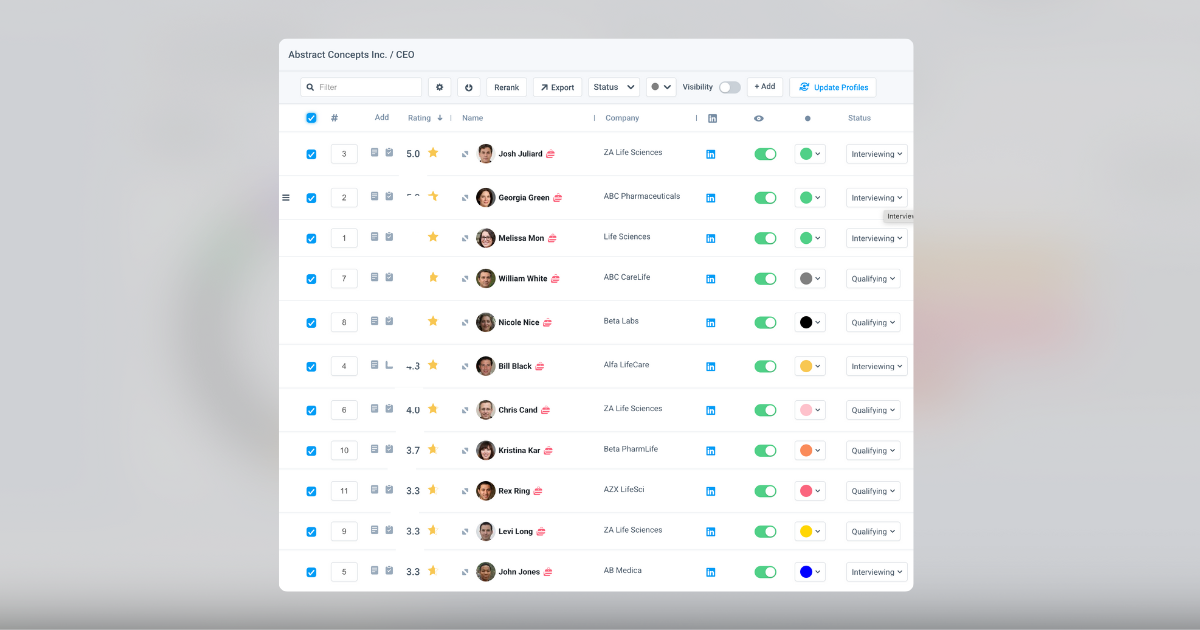
Module 3: Gridview
In this course we will cover:
- Configuration and Settings
- Managing Candidates In A Project
- Filtering For Candidates
- Bulk Edits To Candidates In A Project
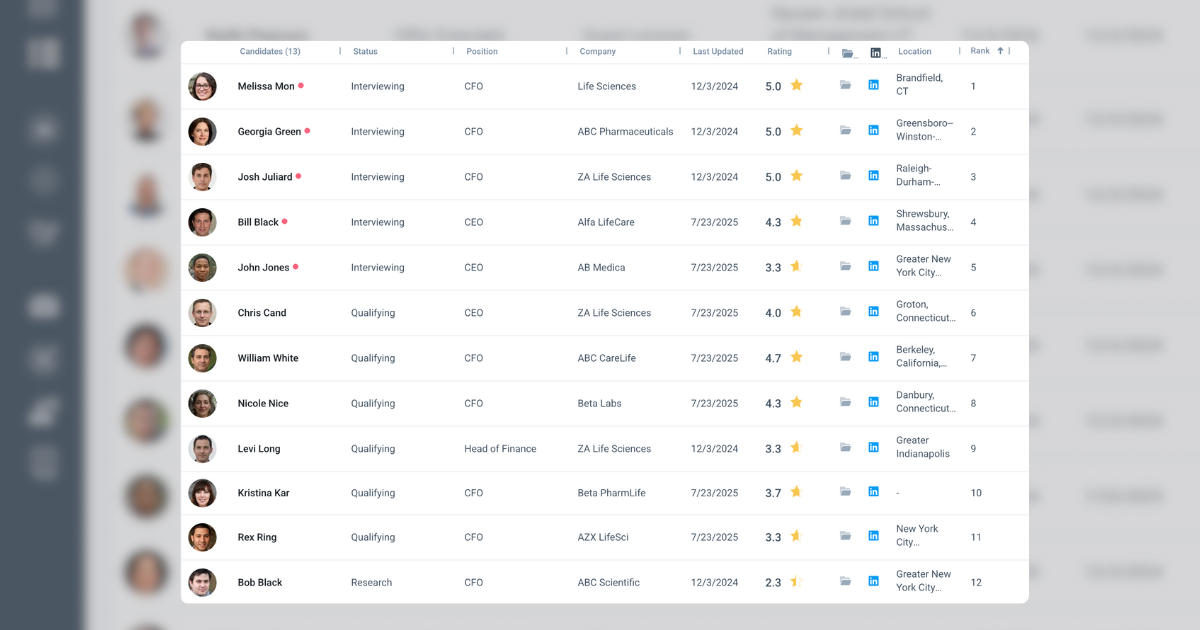
Module 4: Longlist
In this course we will cover:
- Using Longlist
- Longlist Configuration
- Client Collaboration and Feedback
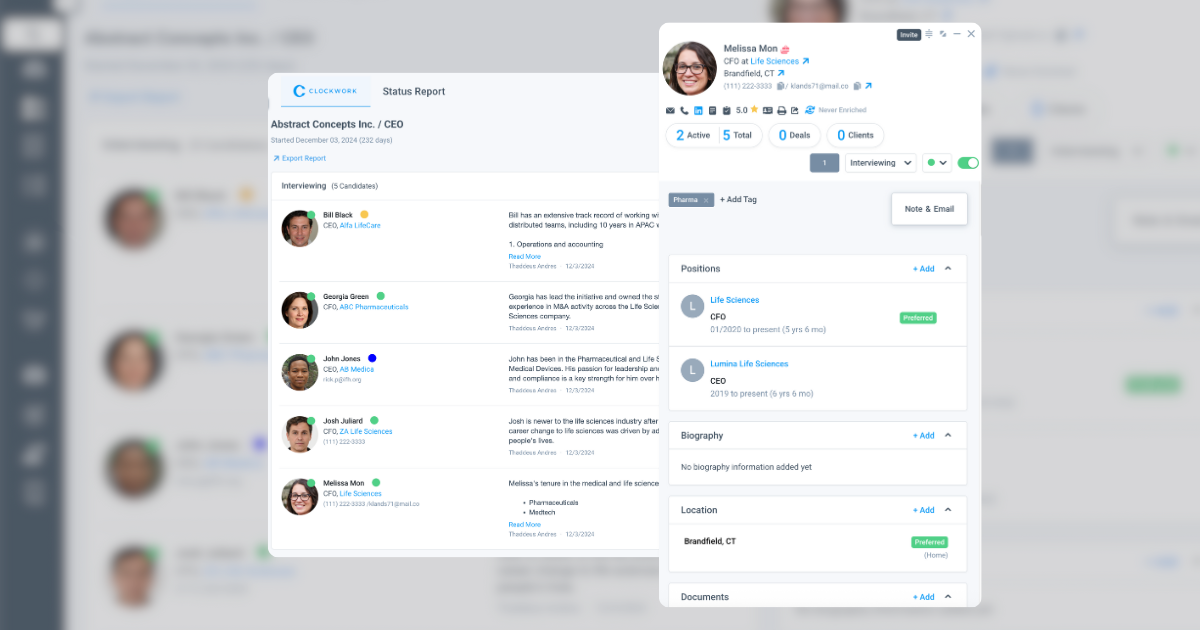
Module 5: Status Report
In this course we will cover:
- Configuration & Set Up
- Presenting A Shortlist Of Candidates
- Visibility & Notes Settings
- Group by Status, Color or Rating
- Organizing Notes with Templates, Types and Context
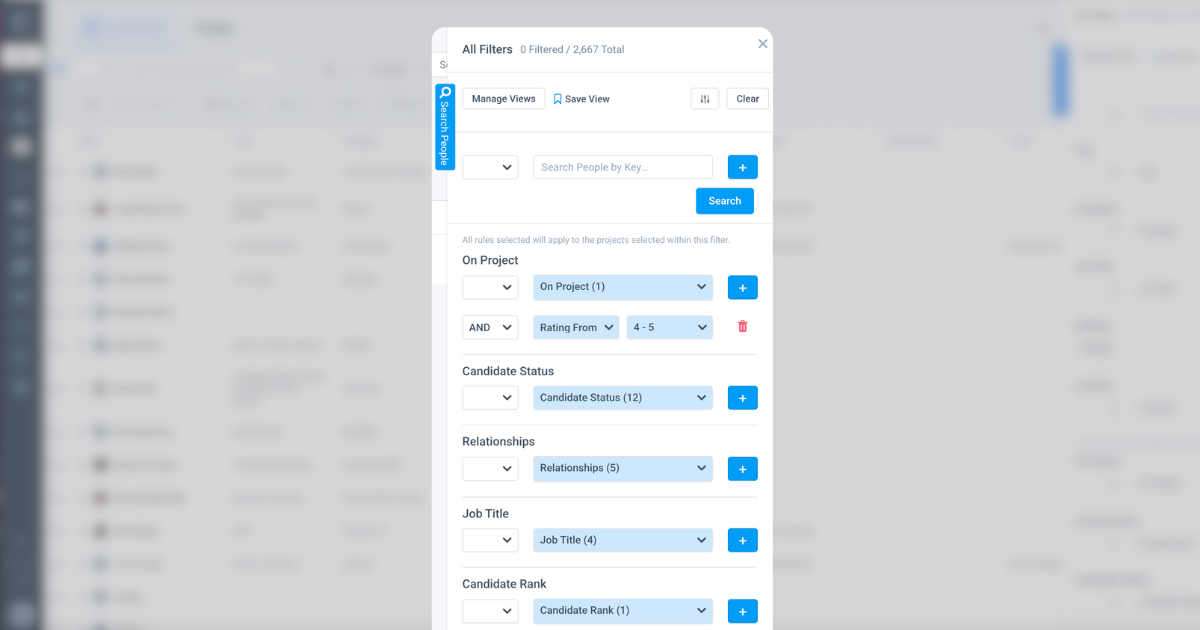
Module 6: People
In this course we will cover:
- Keyword Search
- People Filters
- Boolean Search Functionality
- Adding Candidates To A Project
- Custom Fields Set Up and Use
- Bulk Editing & Tags
- Saved Candidate Views
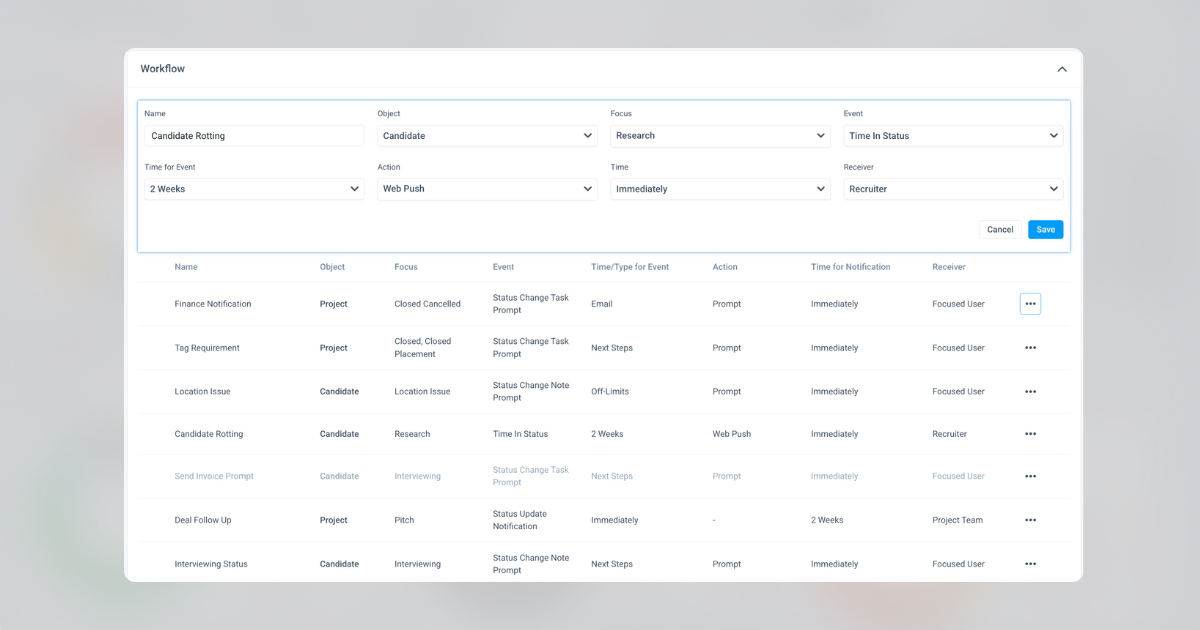
Module 7: Workflows
In this course we will cover:
- Setting Up Workflows
- Automation & Triggers
- Note and Task Prompts
- Turning On and Off Workflows
- Time-based Triggers By Status
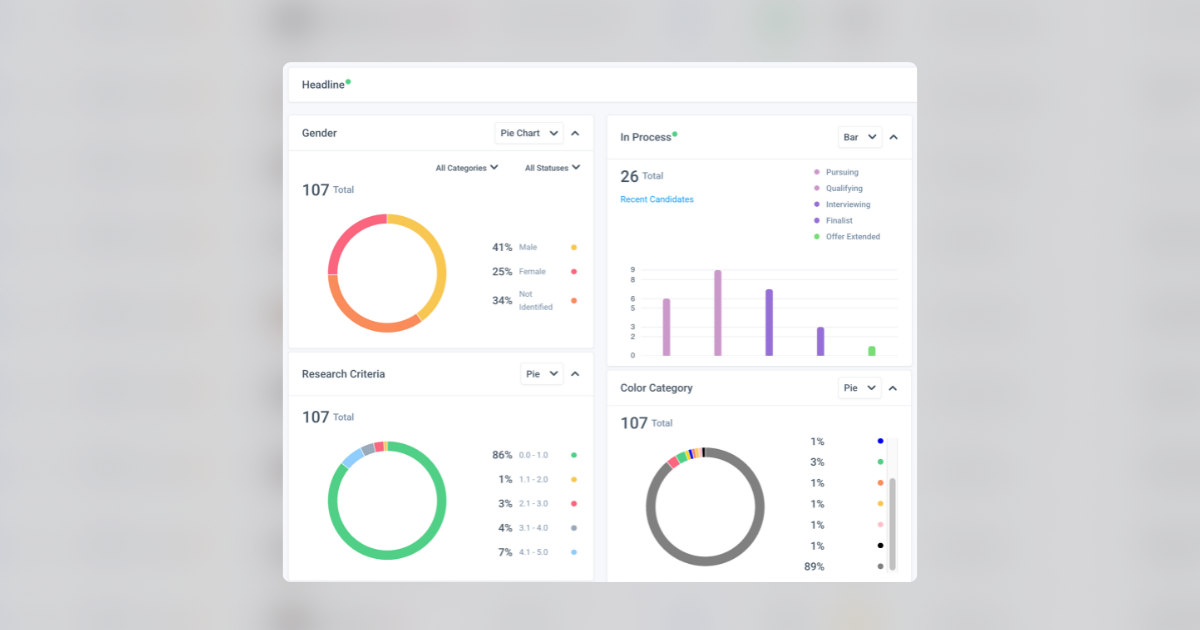
Module 8: Project Dashboard
In this course we will cover:
- Configuring Project Dashboard
- Talent Visualizations Metrics
- Enabling Client Visibility
- Client Reporting
Module 9: Position View
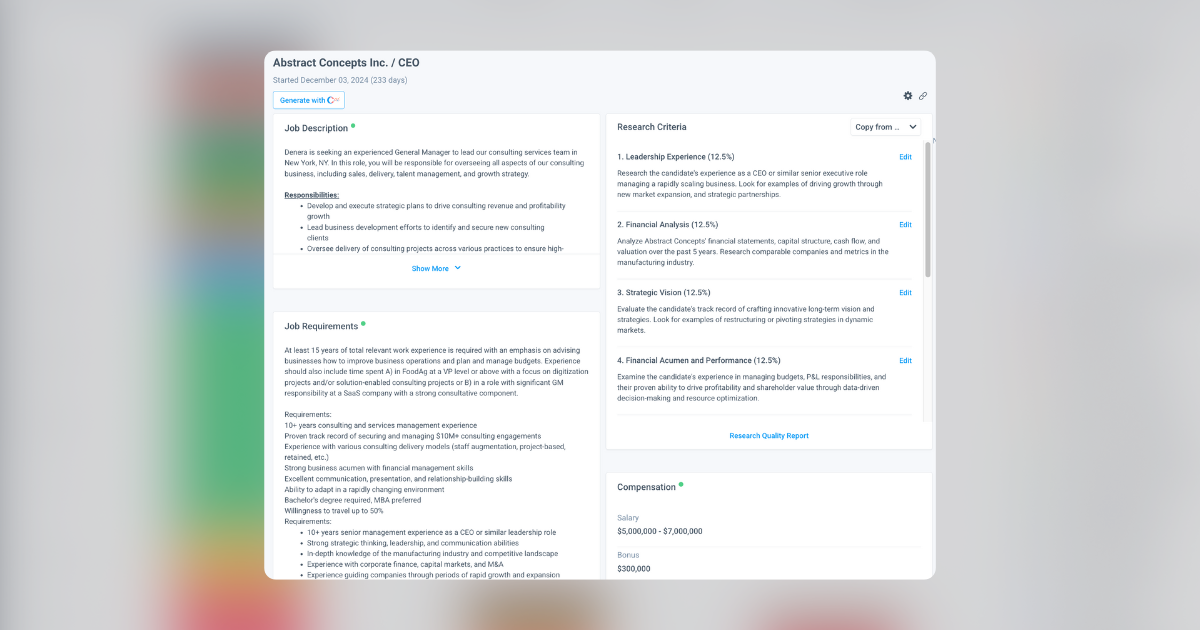
In this course we will cover:
- Adding Job Description & Requirements
- Generating with A.I.
- Job Postings & Submit Interest Form
- Position Compensation
- Candidate Ratings & Research Criteria
- Research Quality Report
Module 10: Client Collaboration Portal
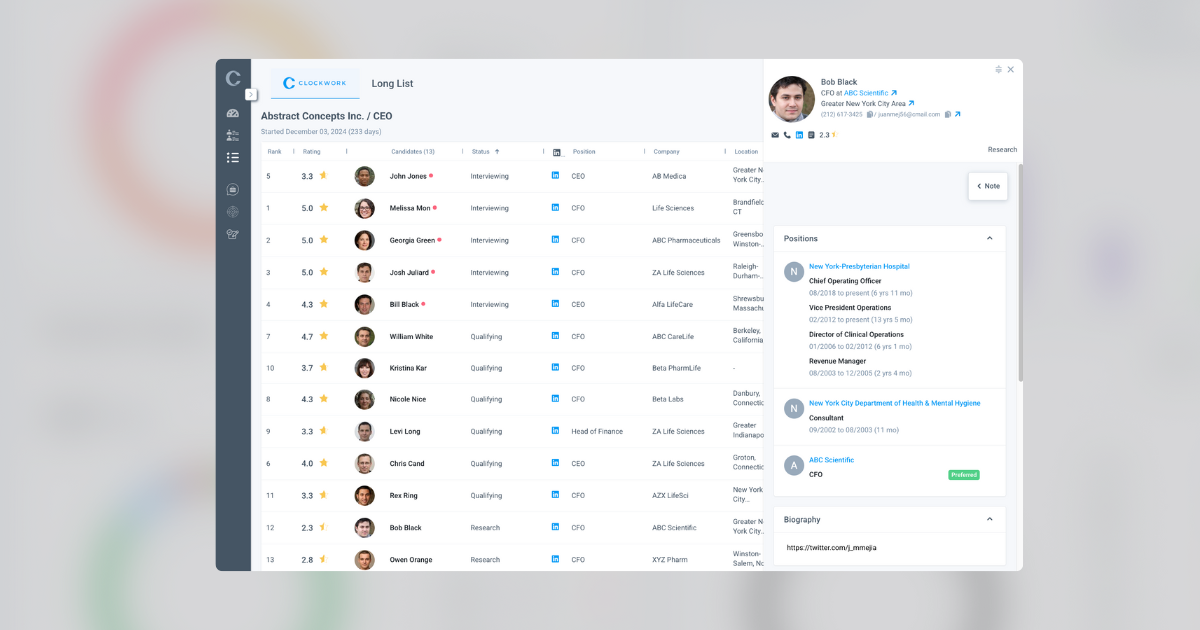
In this course we will cover:
- Client & Project Visibility Settings
- Admin View
- Candidate Data Visibility
- Turning On / Off Page Visibility
- Client Portal & Experience
- Inviting a Client
Module 11: Strategy View
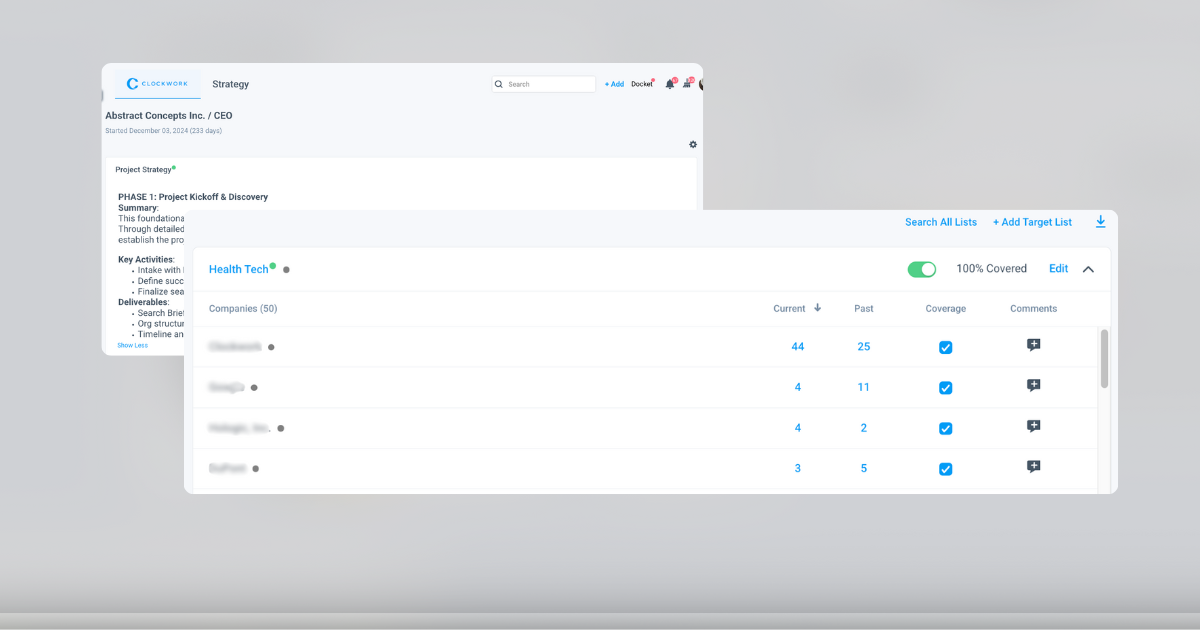
In this course we will cover:
- Project Profile
- Project Strategy & Plan
- Creating Target Company Lists
- Using Target Company Lists
- Research Coverage Report

Purpose-Built And Process-Led Software Made For Executive Recruiters
Clockwork was built upon the 8 Stages Of Successful Executive Search to support every stage of your unique search process.
Great Searches Run On Clockwork